


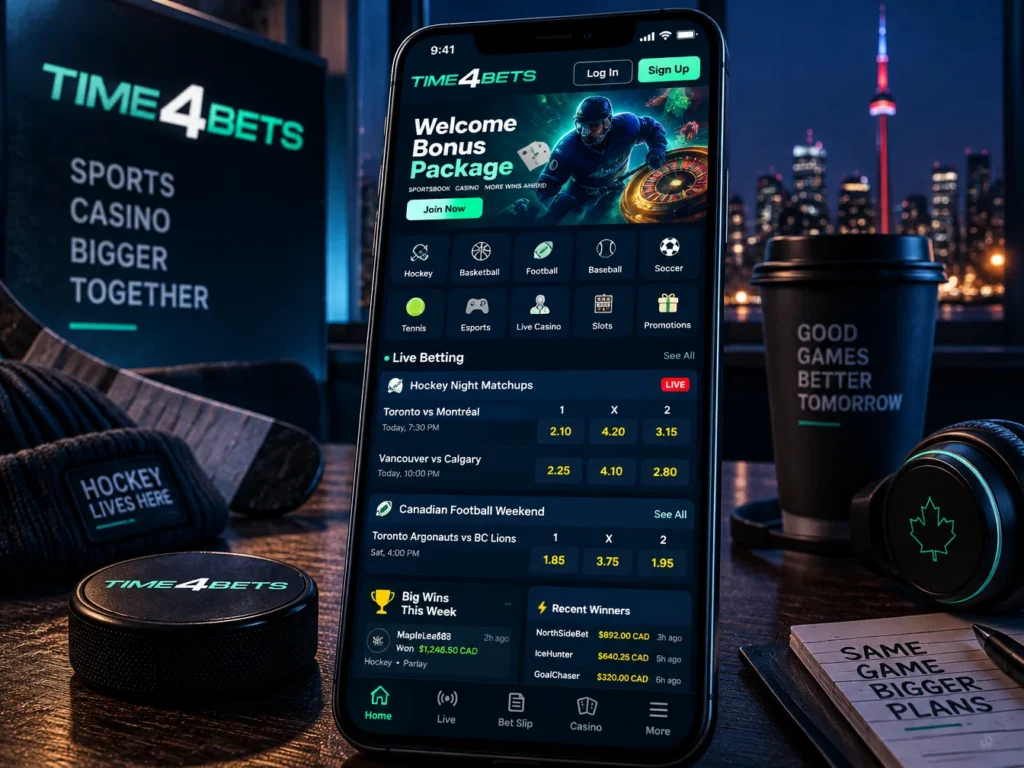

















Time4Bets iOS App Download and Setup
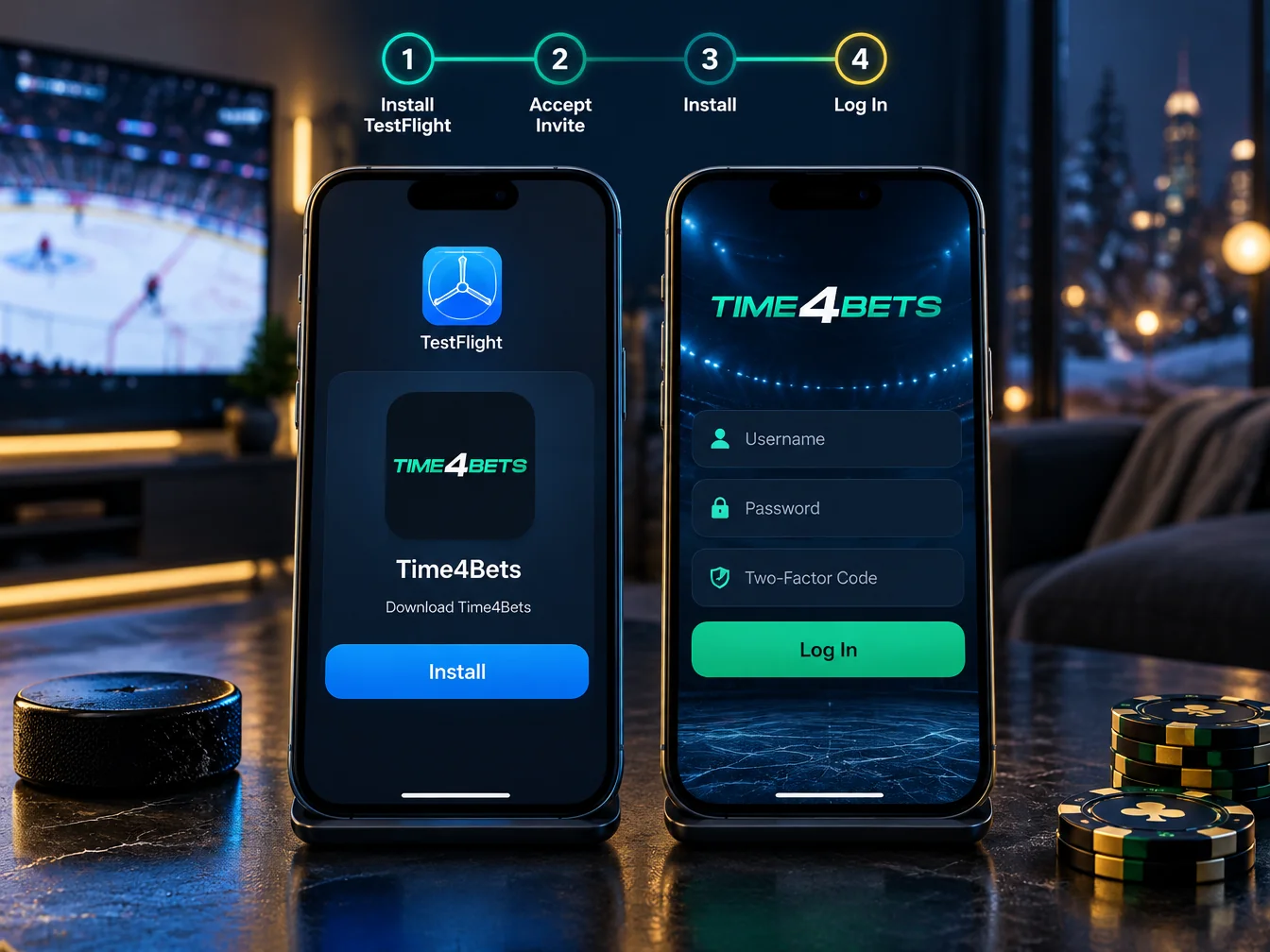
The iPhone path runs through TestFlight – Apple’s testing platform, free from the App Store. Search TestFlight, install it, accept the invitation labeled “Download Time4Bets” and hit Install. Sign in with your username and password; if two-factor is on, punch in the code. That’s the route for every profile… but priorities shift depending on who you are.
For sports players, one word: TIMING. Don’t wait until ten minutes before puck drop to fetch the Time4Bets app-TestFlight downloads and first sign-in take a beat, and pre-match odds don’t hold still while you’re staring at a loading screen. Sort the Time4bets app download the day before, and by match day you’re two taps from your coupon.
For casino players, priority after Time4bet app download is a lobby test. Launch a heavy Pragmatic Play title, spin a couple of demo rounds, and confirm the animations aren’t dropping frames. Same check for a CreedRoomz live table. For mixed players, do both. Every profile shares the basics: free storage, up-to-date iOS, and a stable connection.
Set up your build before you actually need it.
Time4Bets on Android for All Three Player Types
Android users, here’s the honest picture… no official installer file exists. The route is the mobile browser: type the platform address, sign in, then long-press the tab menu and pin the icon to your home screen. One tap from then on-it feels like an app and behaves like an app. Any site offering a mysterious Time4bets APK download is unaffiliated bait, so don’t touch it and don’t sideload anything claiming to be a Time4bets APK package.
Settings that matter split by profile:
- Sports players: switch OFF data saver mode. It throttles refreshes, and stale odds are worse than no odds.
- Casino players: same setting, different reason-data savers crush video quality on CreedRoomz live tables. Streams stutter, cards freeze.
- Mixed players: your critical setting is COOKIES ENABLED. Blocked cookies drop your session every third jump between casino and sportsbook.
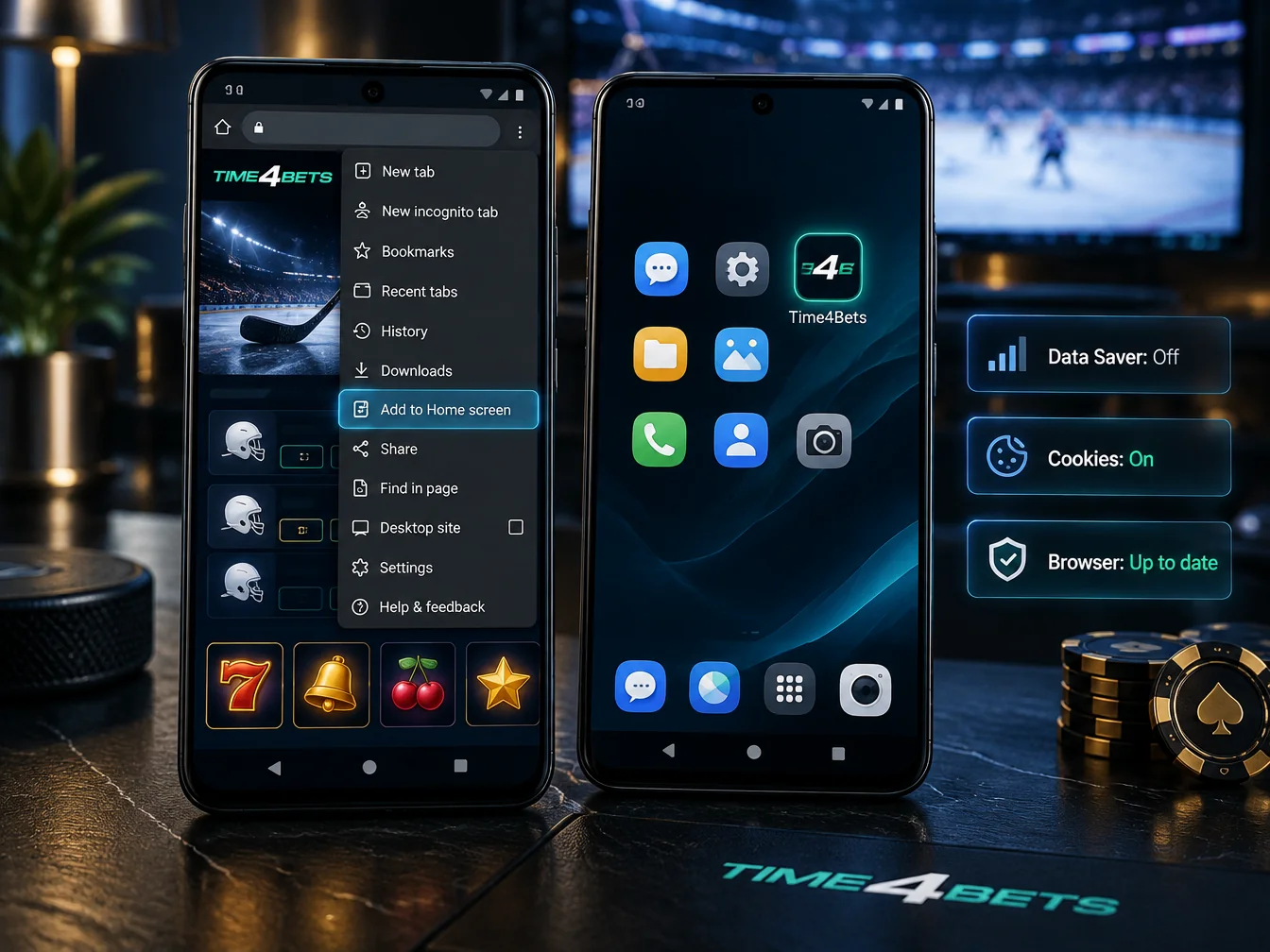
Keep your browser on its latest version. A cranky old browser breaks JavaScript-heavy pages in weird, silent ways. Pin the icon, set your browser right, and you’re ready.
Time4Bets Mobile Betting for the Sports Player
This is where the sports crowd lives. On the phone, the sports list folds into a ribbon or a dropdown, the coupon opens as a separate panel over the screen, and in-play betting has its own tab, one tap away.

The price mechanic deserves attention. Odds are recalculated nonstop, some markets are pulled for a while during dangerous moments, and every coupon is confirmed with a check of the current value. So a short pause between your tap and acceptance is normal… that is not lag, that is the check. It is also why a price can change between your tap and the confirmation, so glance at the number again before you press.
Connection drops mid-tap? An accepted bet stays valid, while an unconfirmed coupon does not count as accepted. Where do you check which is which? Bet history, in the personal cabinet menu, shows the status of every coupon, active or settled. Two habits help a lot: play where reception is solid, and never switch networks at the moment you confirm a coupon.
Play smart, watch the reception bars.
Mobile Casino Play for the Casino Player

Casino fans, the phone view was clearly built with you in mind. Reels reflow vertically to fit portrait mode, so you’re not squinting sideways at Wolf Gold or spinning Golden Tree from an awkward angle. The spin button and stake panel park under your thumb, and demo mode is one tap away on Pragmatic Play slots-perfect for testing a title before committing real Canadian dollars.
Live tables-CreedRoomz blackjack, roulette, and baccarat-deliver the video feed to the top half of the screen with the betting layout tucked underneath. Table limits and dealer names show in the lobby before you sit down.
For mixed players sneaking through, reels are your friend for a five-minute break-a spin resolves in seconds and pauses whenever you close it. Live tables? Different story – you can’t pause a blackjack hand. For sports-only players: the one reason here is the free spins bundle on Golden Tree Buy Bonus by Pascal Gaming. Heads-up: live-dealer video eats WAY more data than reels.
Explore both catalogs on your first visit.
Time4Bets Bonuses on Mobile by Player Type
Offers on mobile follow the same logic as on desktop, just squeezed onto a smaller screen. The bonus option is locked on the payment screen when you deposit, the remaining turnover sits on the active credit card, and the La Liga Daily Wheel spin appears in the same place once the day’s La Liga bets are in. No need to open a laptop for any of it.
From there, priorities split by profile. The match follower using the Time4bet app cares most about the turnover left on the sports option, since it closes through bets on scheduled events and stretches over time. The casino player who went through the Time4bets app download mostly watches the free spin counter on Golden Tree Buy Bonus. The mixed profile needs both, which is why it opens the offers section more often than anyone else.
Check your bonus card after every session.

Mobile Deposits and Payouts Every Player Makes
The cashier reads identically for all three profiles-the WHY of the visit changes, not the mechanics.
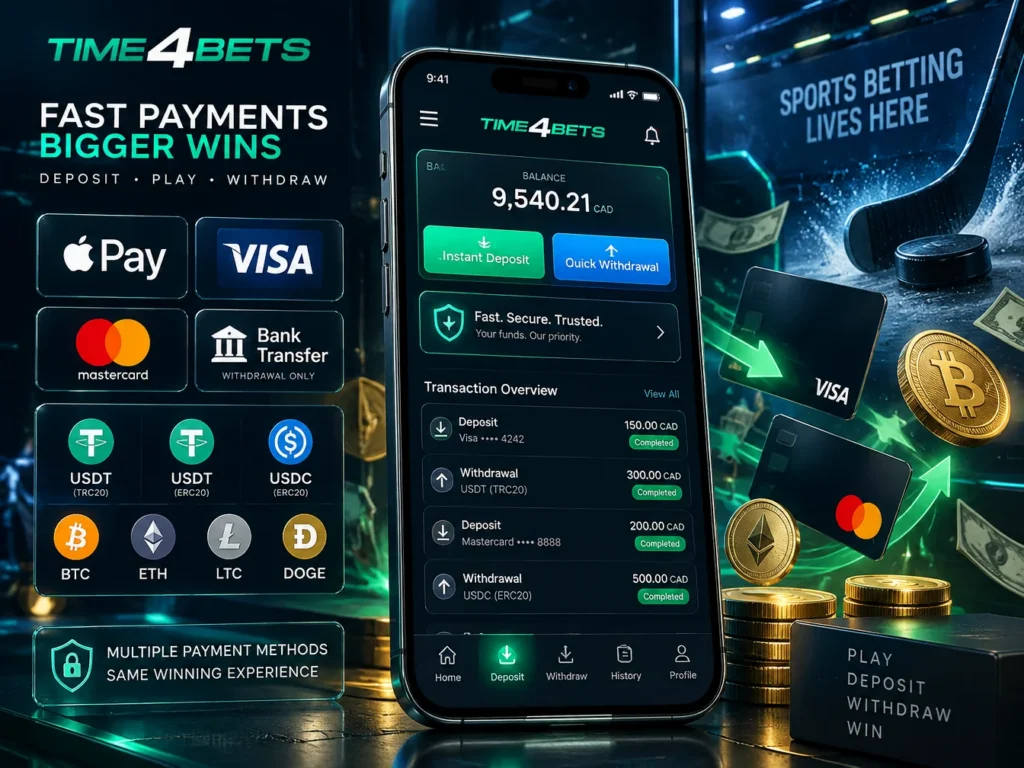
| Method | Deposit min | Deposit max | Withdrawal min | Withdrawal max |
|---|---|---|---|---|
| Visa / Mastercard | 8 CAD | 42,600 CAD | 29 CAD | 14,200 CAD |
| Apple Pay | 8 CAD | 42,600 CAD | – – | – – |
| Bank transfer | – – | – – | 142 CAD | 142,000 CAD/day |
| Crypto (BTC, ETH, LTC, DOGE, USDT, USDC) | 2 CAD | 142,000 CAD/day | 29 CAD | 284,000 CAD/tx |
Why each profile visits: sports players top up before a kickoff; casino players between sessions after a rough streak; and mixed players on both occasions. Apple Pay confirms with Face ID or Touch ID-no card typing, no re-entry-exactly what you want when rushing before puck drop. KYC document upload from the phone camera you’re already holding: snap the front and back of your ID, upload, and you’re done. Verification usually clears within a business day and is mandatory for withdrawals.
Fund from your phone and cash out from your phone.
Time4Bets App Faults and Each Player’s Fix
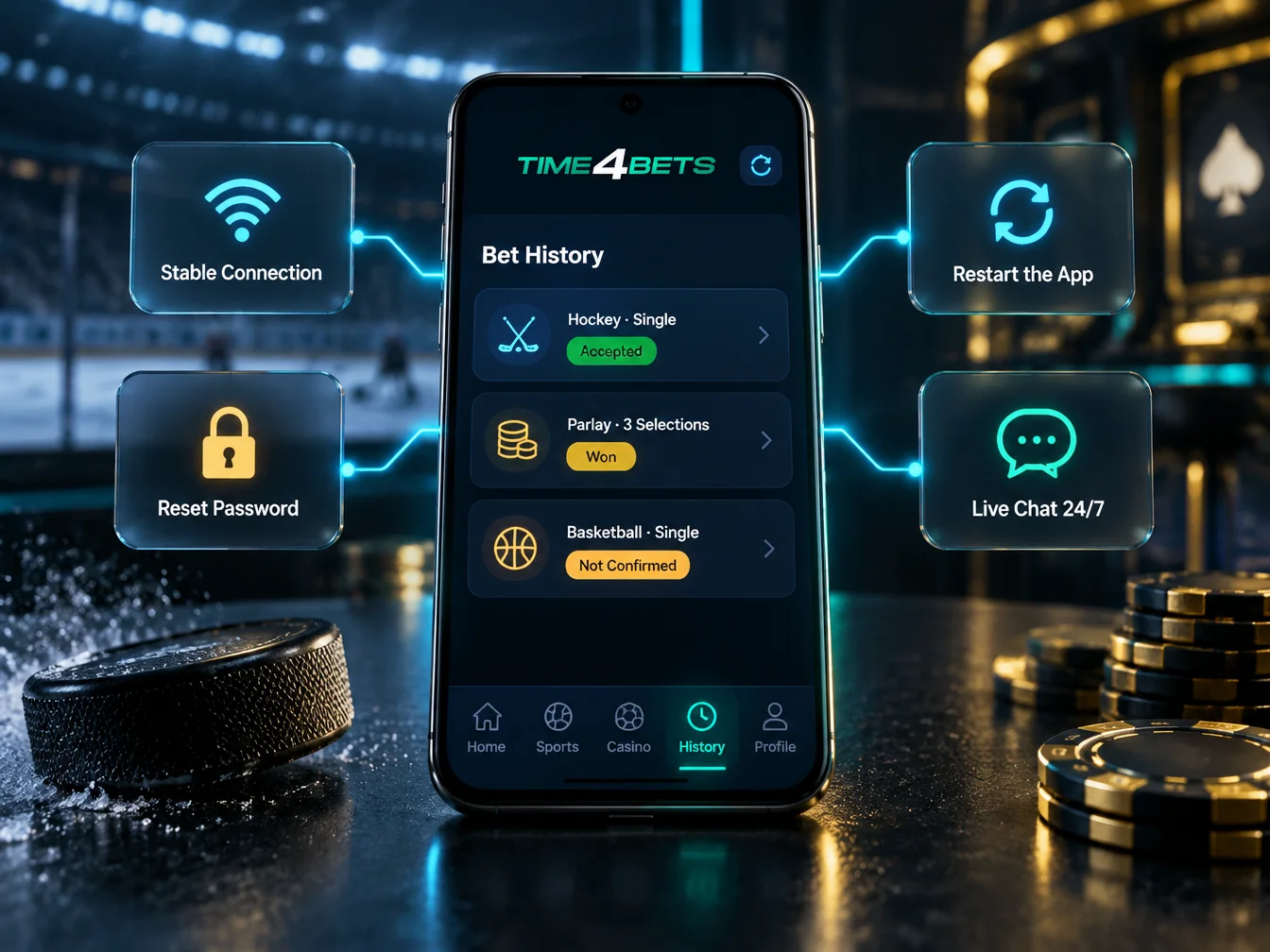
Something not working? First, the shared fixes:
- Install invite won’t open → Close TestFlight, reopen, and tap the email invitation link again.
- The Time4bet app download crashes on launch → force-quit, reboot the phone.
- Login gets rejected → check caps lock, then request a reset if credentials really are wrong.
- Deposit not showing in history → wait fifteen minutes, then contact live chat with the transaction ID.
Now the profile-specific troubles. Sports players hit “unconfirmed coupon” more than anyone-if confirmation isn’t complete, the bet isn’t placed. Tapping confirm blindly a second time risks stacking two identical coupons, so check history first. Casino players hit stream freezes on live tables-switch networks, kill data saver, and reload.
One hard rule using the Time4bet app: never open a second account to work around a problem. Duplicates get closed the moment KYC catches them, winnings included. Ignore any unofficial Time4bets app download link on social media – trusted routes are TestFlight for iOS and the direct browser address for Android.
Talk to live chat before you improvise a workaround.
Time4Bets Mobile App FAQ by Player Type
Play only what you can afford to lose.
Set your limits, then play.