
Time4Bets Login: Access Your Account in a Few Steps
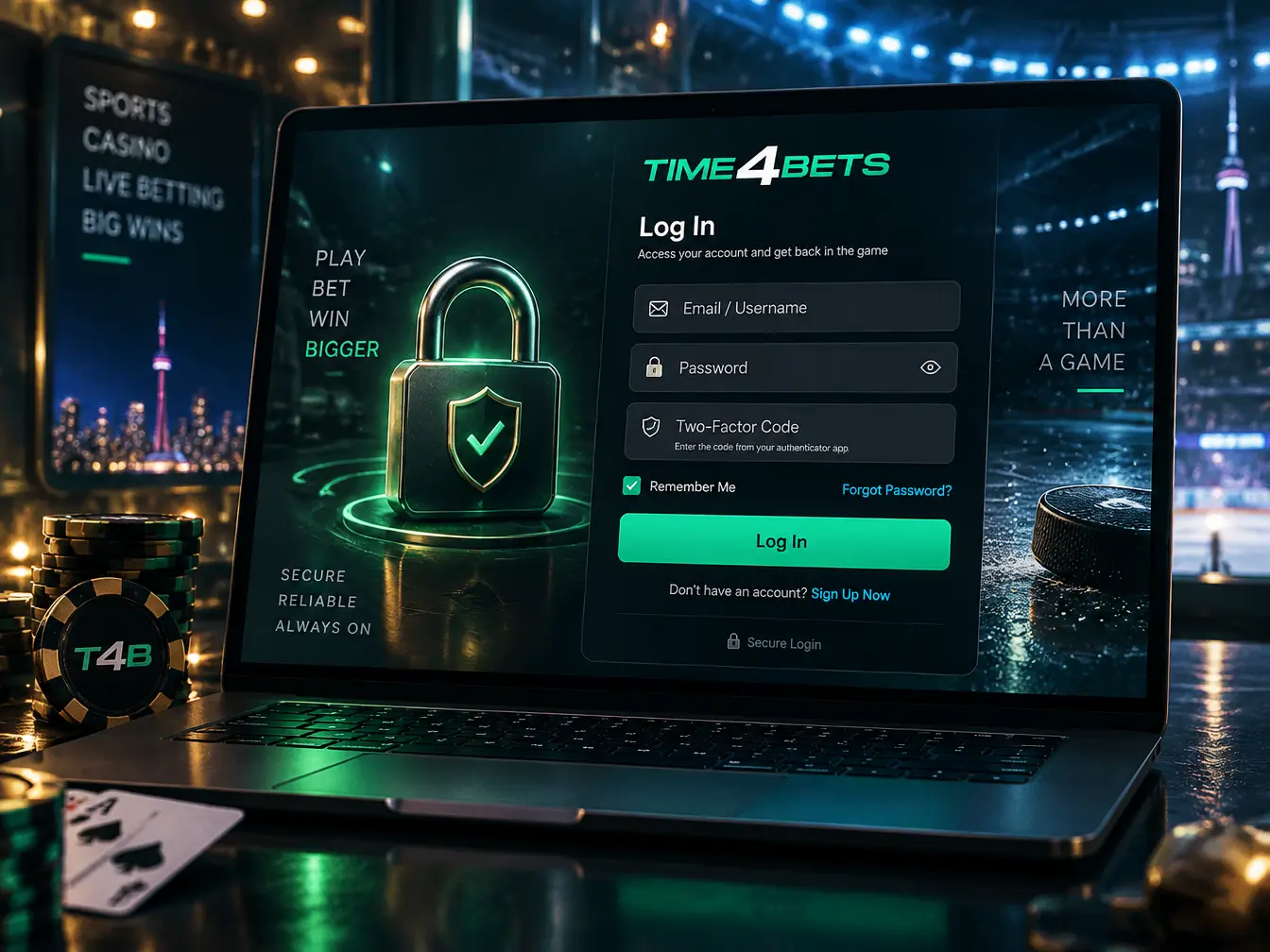
Already have an account? Start with the Time4Bets login form and use the credentials you chose when registering. Keep access to your confirmed email address, as it is also the route for password recovery.
- Open the sign-in screen.
- Enter your username and password, checking spelling and letter case.
- If two-factor authentication is enabled, enter the code from your authenticator app.
- After signing in, check your profile before making changes or requesting a withdrawal.
For a first visit, confirm your email before attempting to sign in. If you registered previously but cannot remember the details, recover that account instead of creating another one.
Cannot Sign In? Choose the Right Recovery Route
A forgotten password, an inaccessible inbox and a missing authenticator require different responses. Identify which part of the login process is blocking access before trying again.
| Access problem | Next step |
|---|---|
| Forgotten password | Select the password-reset option on the login screen and follow the email sent to your confirmed address. |
| No access to the registered email | Contact support for account recovery. Be ready to provide information or documents that establish ownership. |
| Lost authenticator device | Ask support about restoring access to an account protected by two-factor authentication. Identity checks may be required. |
After a password reset, return to the Time4Bets login screen and use the new password. If an email does not appear, check your spam folder and confirm that you are checking the inbox associated with the account.
Keep Your Email and Login Details Secure
Use a password that you do not use for any other service, especially your email. Enable two-factor authentication in your account settings and keep any recovery codes in a secure place. Protecting your inbox matters because password-reset messages arrive there.
New to Time4Bets? Prepare Before You Register
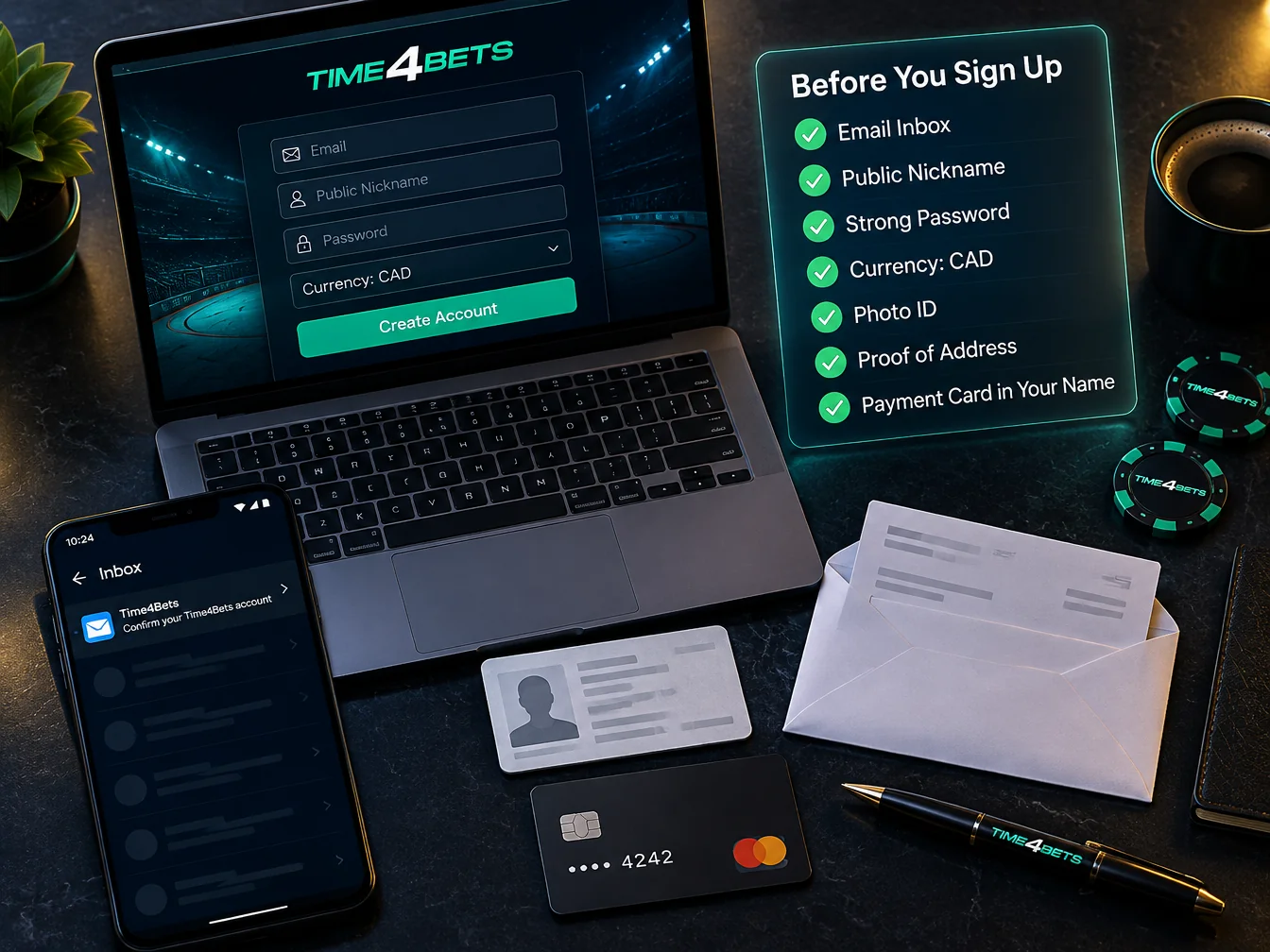
Setting up an account is easier when the information and documents are ready. Start with details you can continue to access and verify later.
- Email: an active inbox that belongs to you.
- Username: a suitable public name, since other players may see it in live games.
- Password: a long, unique combination reserved for this account.
- Currency: decide which currency you want before submitting the form.
- Identification: a valid photo ID with clear, readable details.
- Address evidence: a recent bank statement or utility bill, dated within the last three months.
- Payment method: a card or other supported option registered in your own name.
Keep your account details consistent with your documents. A spelling difference in your name can become a problem when the account is reviewed for a payout.
Complete the Time4Bets Sign-Up Form
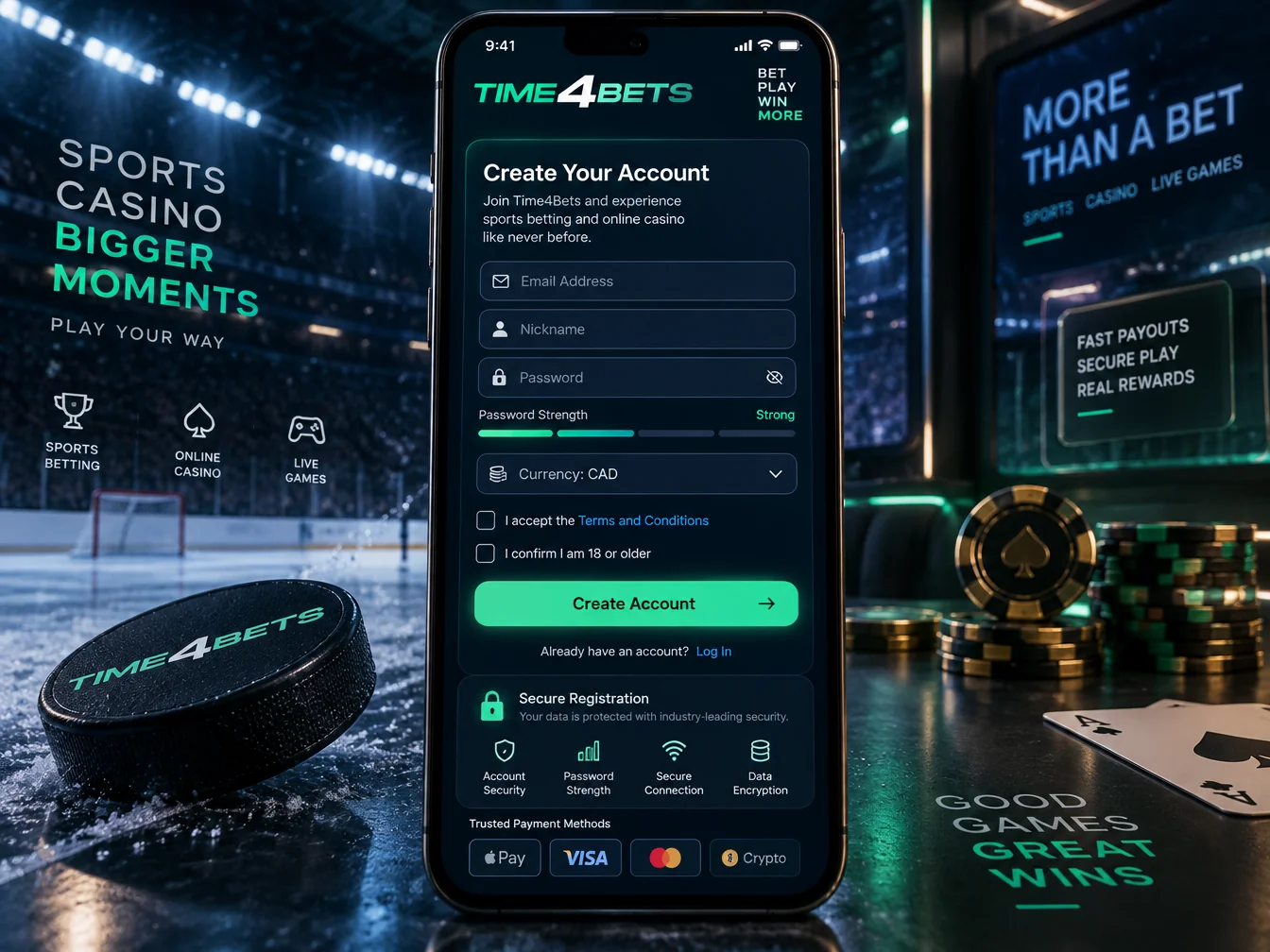
Open the registration form and enter your email, username and password. Review the account currency before accepting the required terms. Read each consent option so you understand what you are agreeing to.
Check the email address carefully before submitting. Use your own information throughout the form, and make sure any personal details match your identification. A reused password or an incorrect address can create avoidable recovery problems.
If you suspect that an older account already exists, contact support before starting another registration. Opening a second account can put account access and balances at risk.
Choosing CAD and Reviewing Payment Costs
Choose your account currency with future deposits and withdrawals in mind. The account currency is a fixed setting after sign-up, so review it before submitting the form.
For Canadian players paying from a CAD account, choosing CAD can make balances, payment amounts and offer thresholds easier to compare. A different currency may introduce exchange-rate costs. Check your bank or payment provider for conversion charges and any other fees.
Interface language is a separate setting. Choosing a language does not determine the currency used for your balance.
Confirm Your Email Before the First Login
Look for the activation message in the inbox entered during registration and follow its confirmation link. If the message is missing, check spam and review the address you submitted. Contact support if you cannot resolve the issue.
Once the email is confirmed, sign in with your username and password. Review your profile, check that your name matches your ID and set up two-factor authentication before continuing.
Account Verification: Submit Clear Documents Early
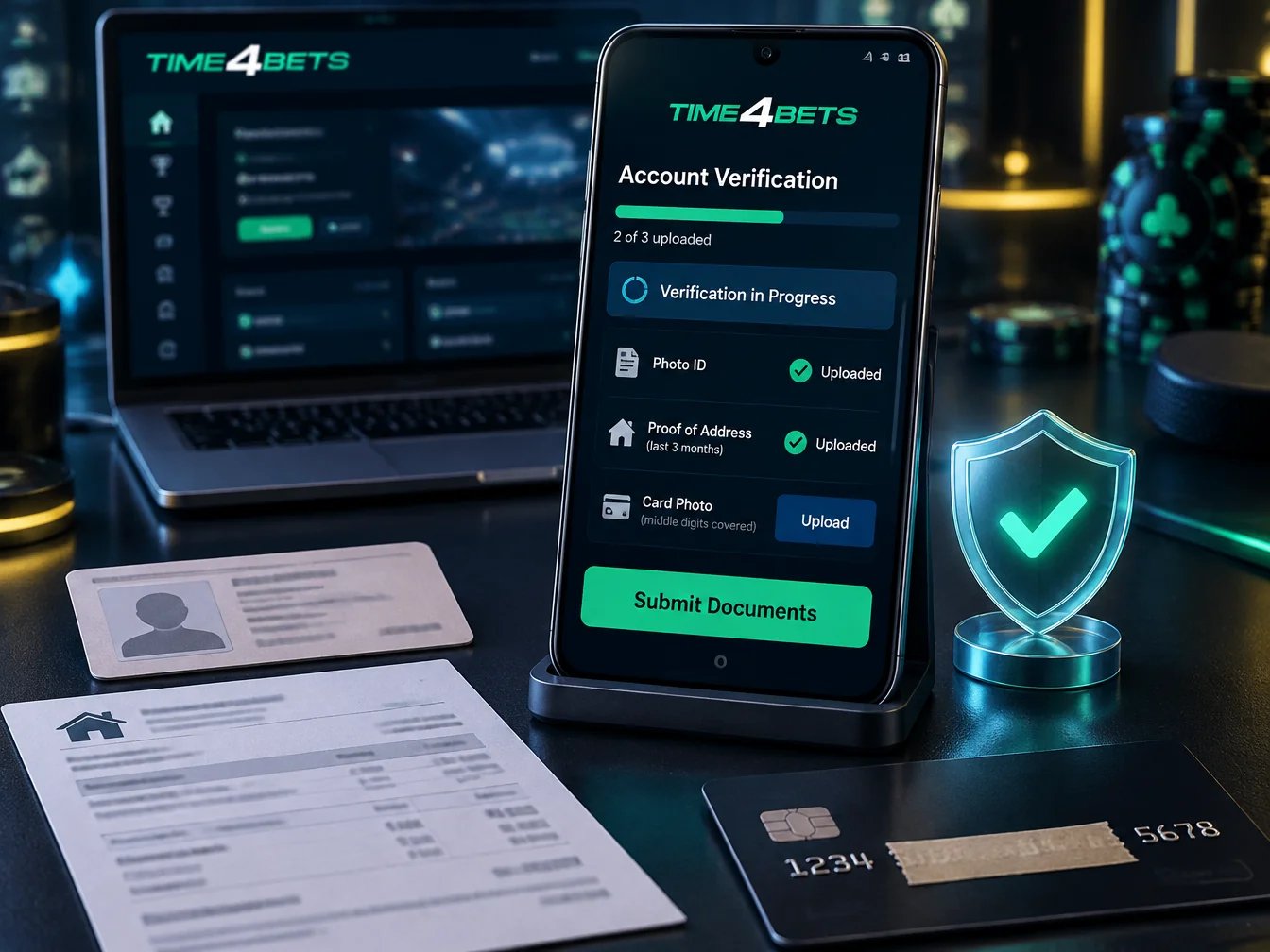
Prepare verification documents before you need a withdrawal. Have a valid photo ID and proof of address issued within three months ready. For a card withdrawal, you may also be asked for an appropriately masked card image.
Follow the upload instructions in your account for any payment-document request, including which details must be hidden. Make sure photographs are sharp, evenly lit and show every required edge.
- Retake images with glare, blur or cropped corners.
- Replace address evidence that falls outside the requested date range.
- Check your profile against the name shown on your ID.
- Contact support if a mismatch requires an account correction.
Verification is separate from creating an account. Submitting the registration form does not mean that document checks have finished, and a pending review can hold up withdrawals.
Deposits and Welcome Offers After Registration
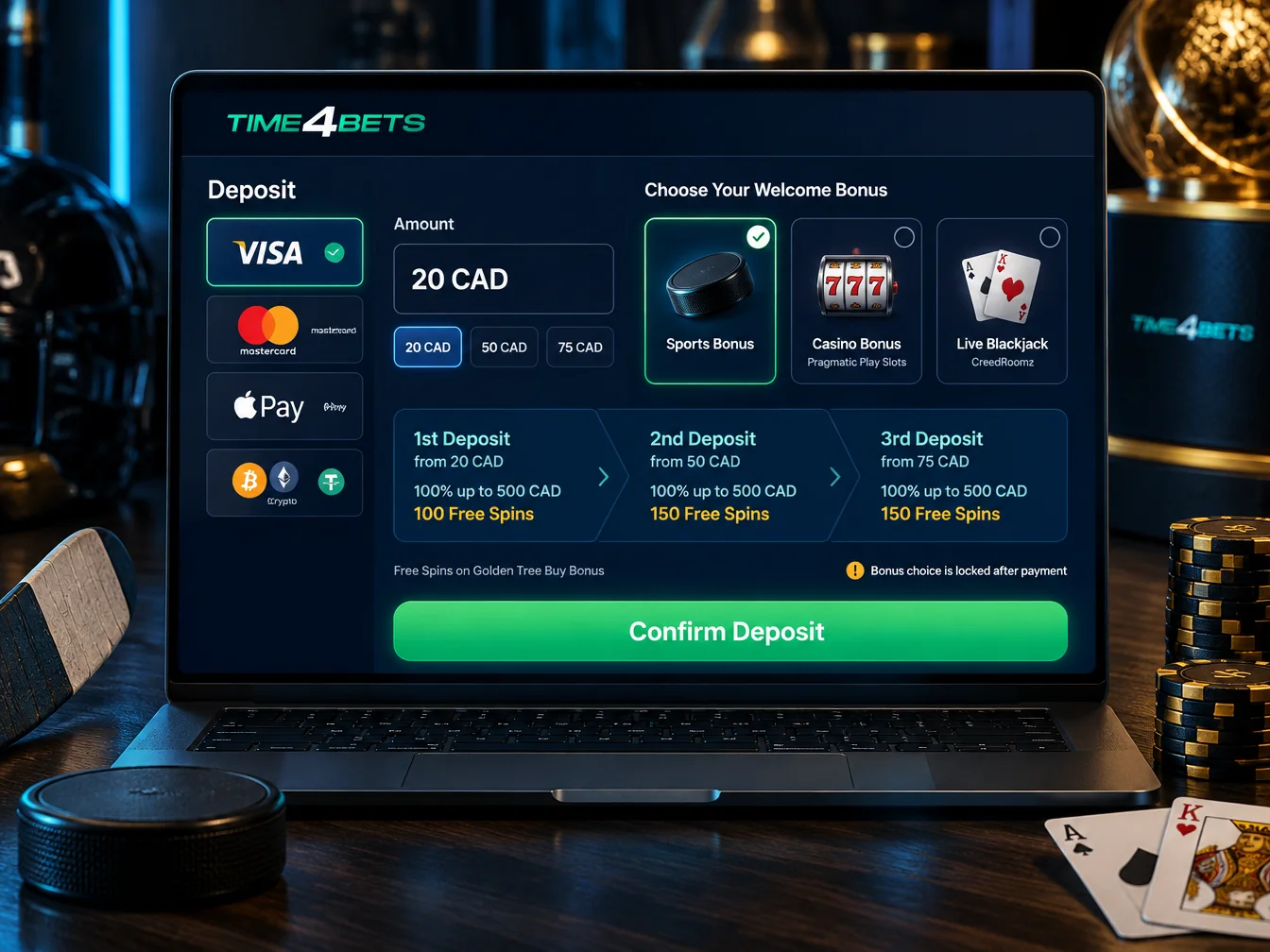
After signing in, open the cashier and review the payment options. If you want to use a welcome offer, check its qualifying deposit and select the intended bonus track before confirming the transaction.
There are three bonus tracks: Pragmatic slots, CreedRoomz blackjack and sports. The selected track determines where the bonus is played through, while the deposit step determines the free-spin allocation.
Each qualifying deposit offers a 100% match capped at 500 CAD, with a maximum cashout of 2,500 CAD per activated bonus. A deposit below the qualifying minimum does not activate the corresponding offer, while an amount above the match cap does not increase the maximum bonus.
| Deposit | Qualifying minimum | Match | Bonus cap | Free spins |
|---|---|---|---|---|
| First | 20 CAD | 100% | 500 CAD | 100 |
| Second | 50 CAD | 100% | 500 CAD | 150 |
| Third | 75 CAD | 100% | 500 CAD | 150 |
The free-spin package applies to Golden Tree Buy Bonus at 0.20 CAD per spin. Review the current promotion terms in your account before paying, including wagering requirements, eligible games and withdrawal restrictions.
Check Your Bonus Selection Before Paying
- Choose a supported payment method in the cashier.
- Enter an amount that meets the selected offer minimum.
- Select the bonus track you intend to use.
- Review the payment details and applicable promotion terms.
- Confirm the deposit, then check the promotions area for the activated bonus.
No promo code is required, and the track selection is final once payment is confirmed. Do not assume that support can attach an omitted bonus or change the track afterward.
Time4Bets Login and Registration Questions
Set a budget you can afford, take regular breaks and seek support if gambling becomes difficult to control.